
Every cut starts here.
Your timeline is the storyboard. The playhead picks the moment.
Multi-model AI generation for professional video editors
Generate video, images, voice, and music with leading AI models inside Premiere Pro, Final Cut Pro, and DaVinci Resolve. One workspace, one credit balance, no switching AI sites.
The flow
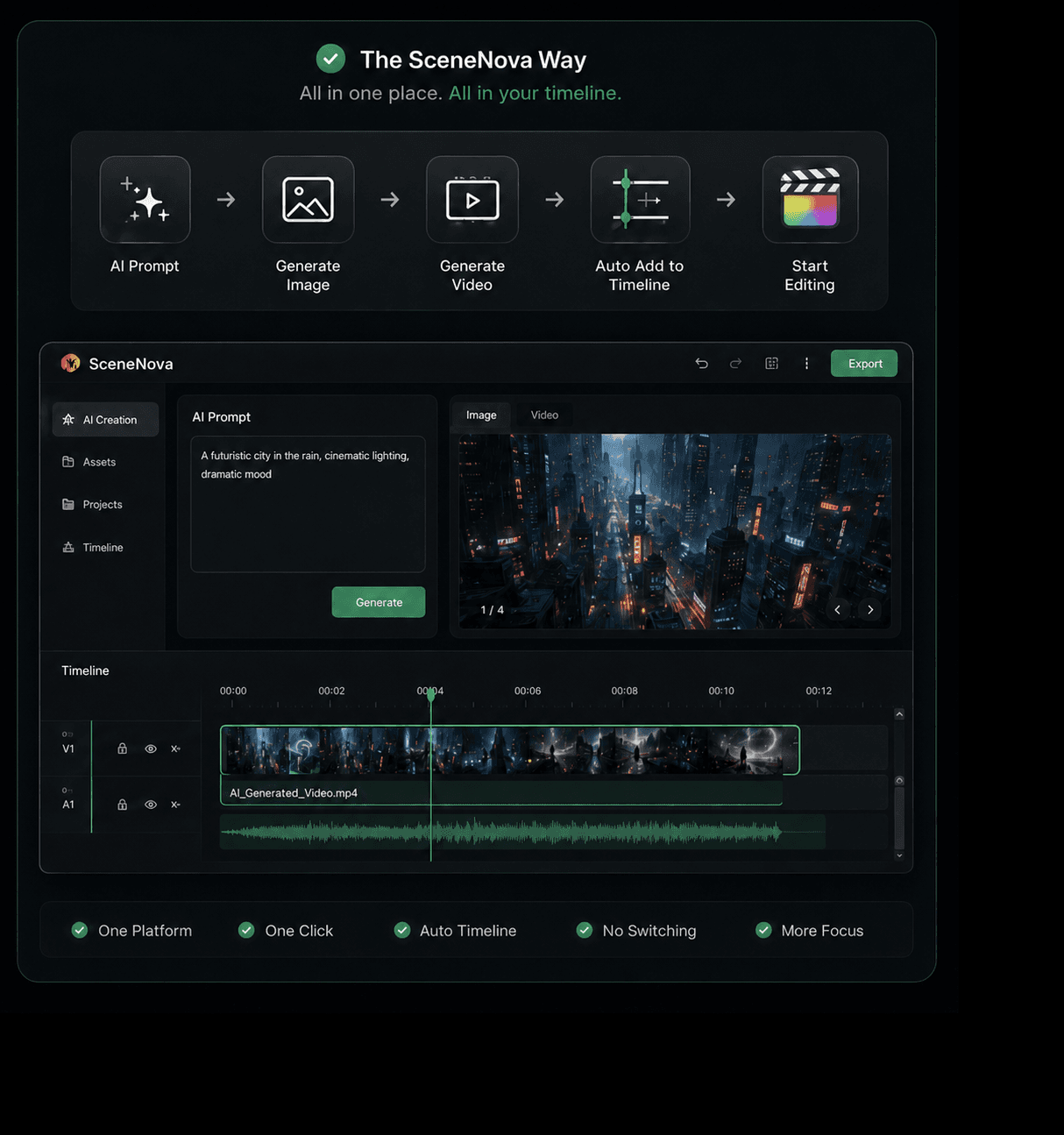
Your timeline is the storyboard. The playhead picks the moment.
The exact frame at your playhead — graded, titled, finished.
Route to the right model — image, video, voice, or music.
The result lands back on the timeline, ready to keep moving.
Your timeline is the storyboard. The playhead picks the moment.
The exact frame at your playhead — graded, titled, finished.
Route to the right model — image, video, voice, or music.
The result lands back on the timeline, ready to keep moving.
The canvas
Drag a virtual light through a finished shot.
Seven new angles from a single frame.
Extend any frame to twenty-one aspect ratios.
Nine, sixteen, or twenty-five beats at once.
Full environments, viewed in the panel.
Remove anything. Redraw anywhere.
One character, consistent across every shot.
Block scenes with pose, camera, and light — no Blender.
Lower-thirds rendered as transparent ProRes.
Offline tools. Zero cloud. Zero credits.
The engine
Kling, Veo, Seedance, and twenty-plus frontier models — one workspace, one credit balance. Compare costs before you generate.
The trust
Projects and generation history stay on your computer. Only assets you choose for cloud generation are uploaded.
Cutout, upscale, split, convert. Zero cloud, zero credits, zero upload.
Every model route is continuously tested, so the tools in your workflow are ready when you need them.